.png)
Search for asset by attribute within a Folder - Mobile
Search within a Folder
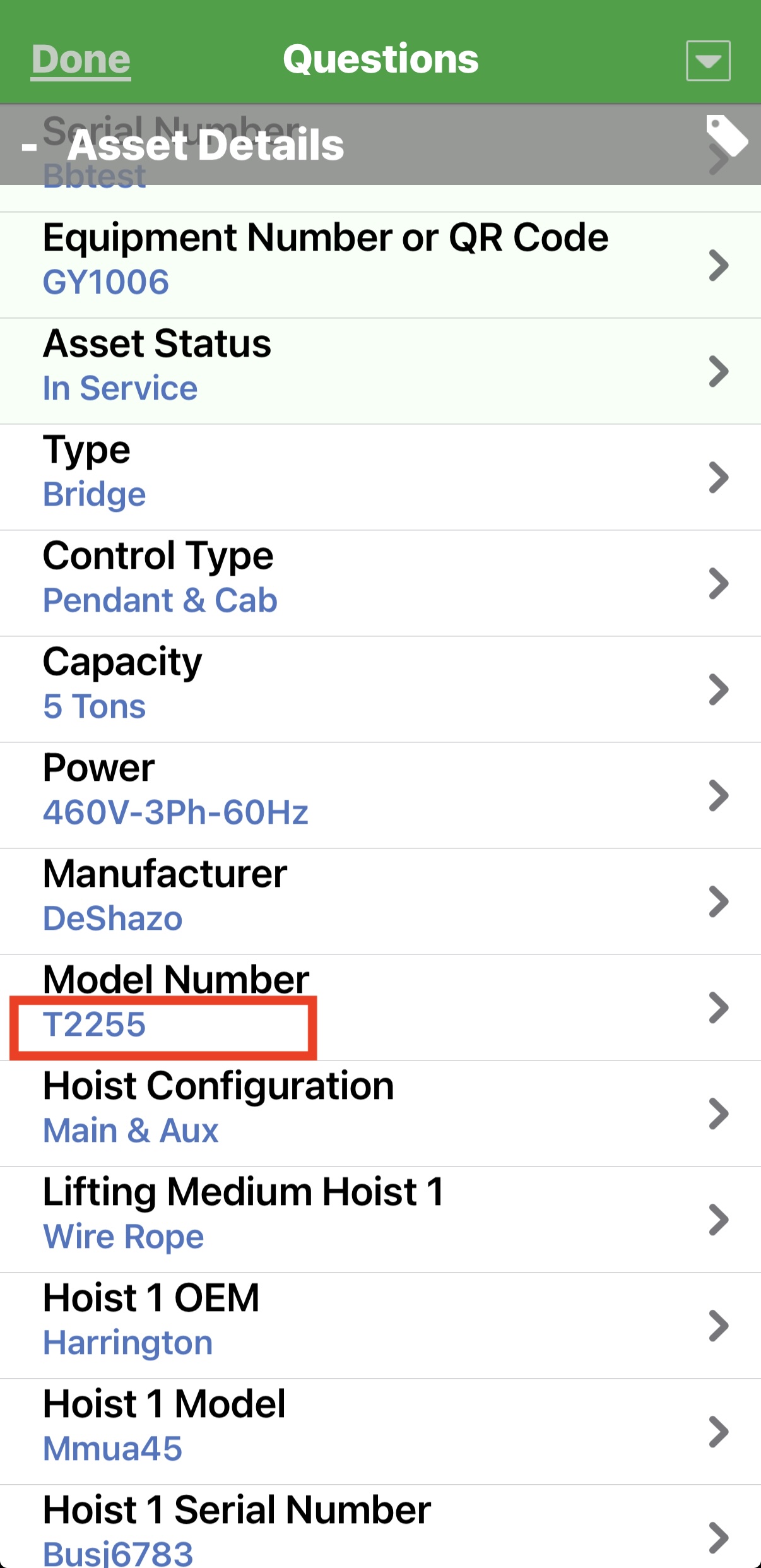
You can set up your device to allow searching by attributes within a folder. The attribute search will look for the text that you enter in the search bar as an entry in any of the attribute fields for the assets included in a folder.
Turn it on
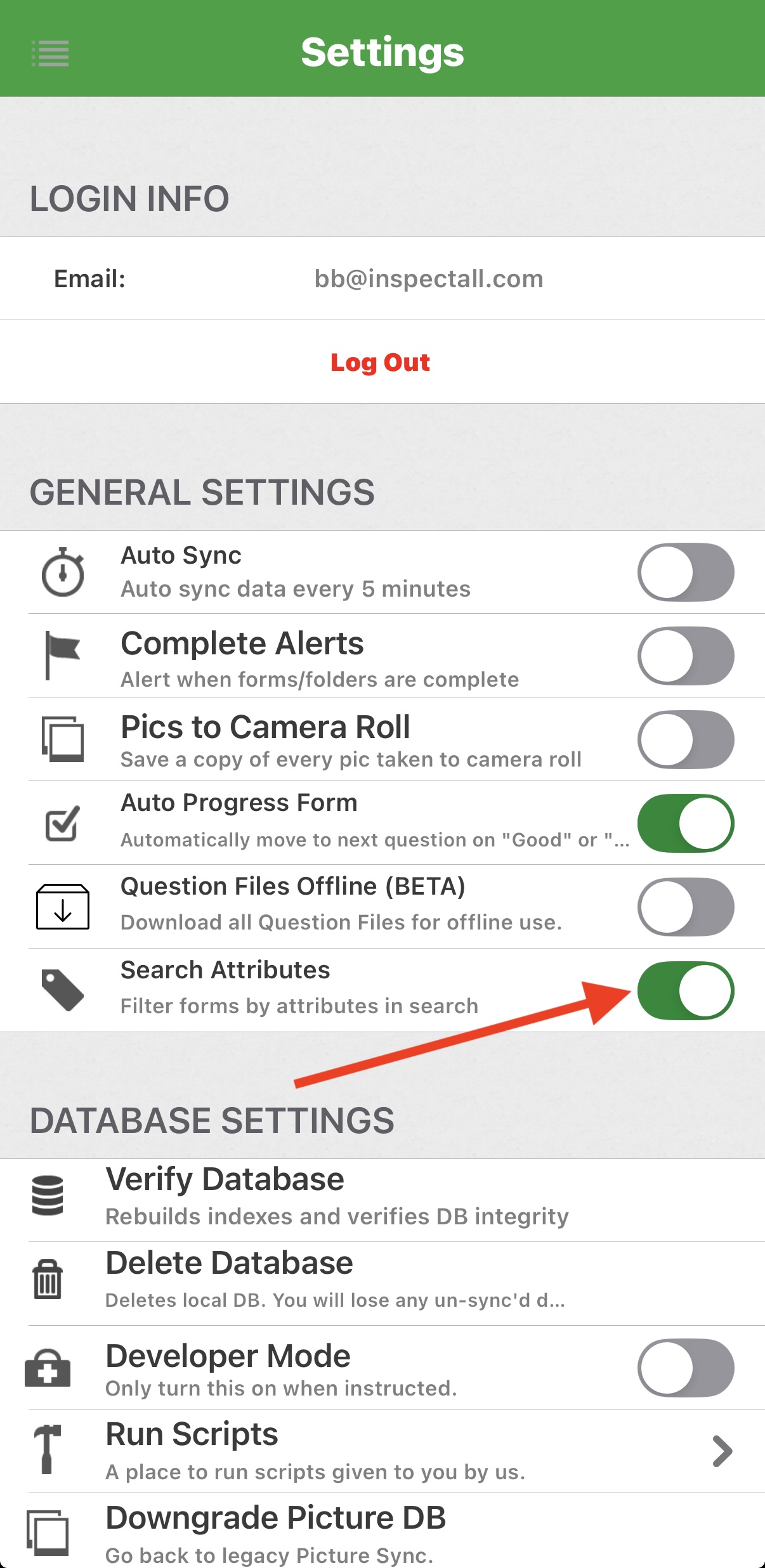
Go into your Mobile App settings and toggle the option to "Search Attributes" to "On".
Use the Search
Once you've enabled the feature, you can search for an asset within a folder by the attribute text. The attribute search will look for the text that you enter in the search bar as an entry in any of the attribute fields for the assets included in a folder.
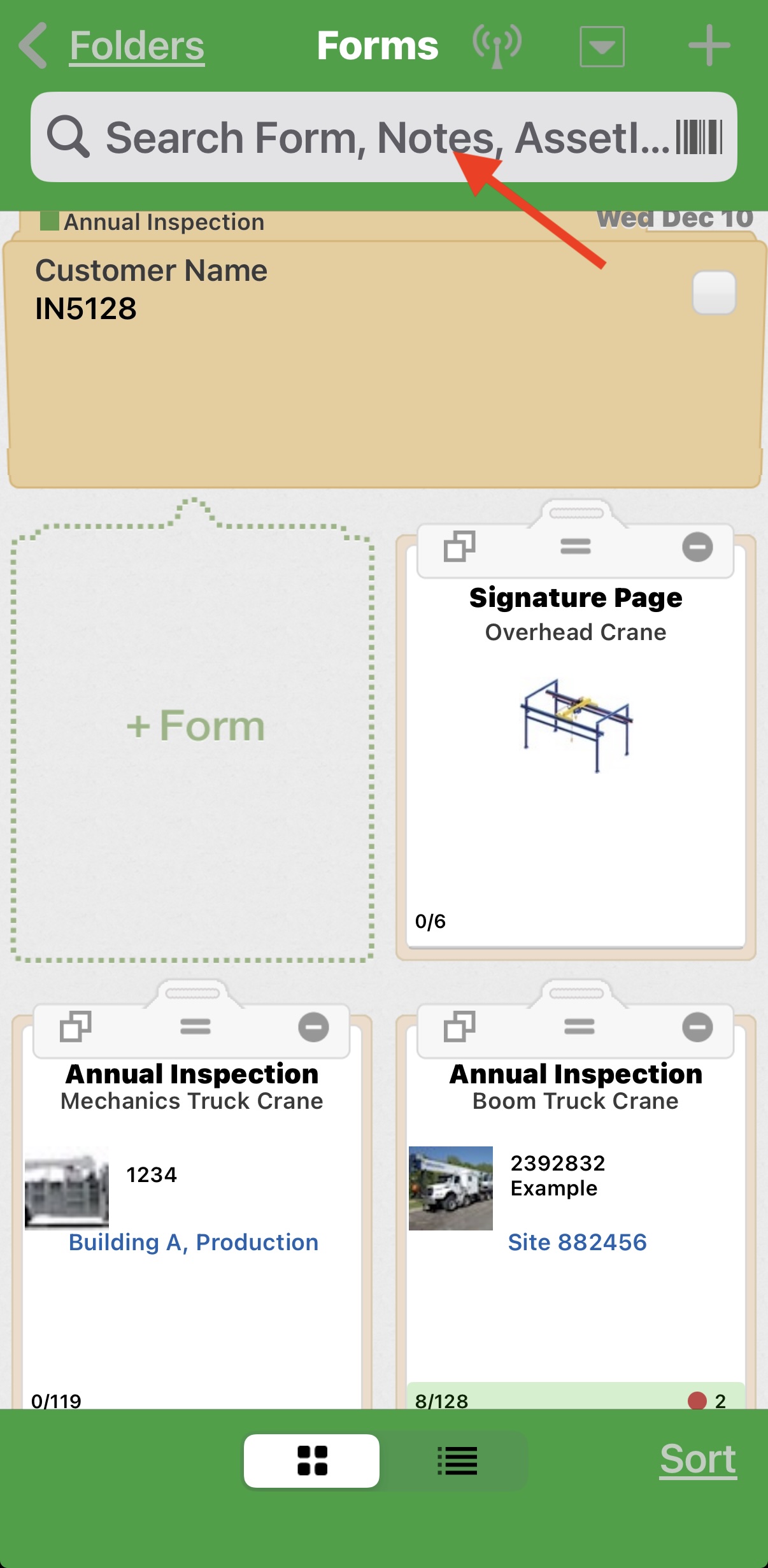
Type the text in the search bar.
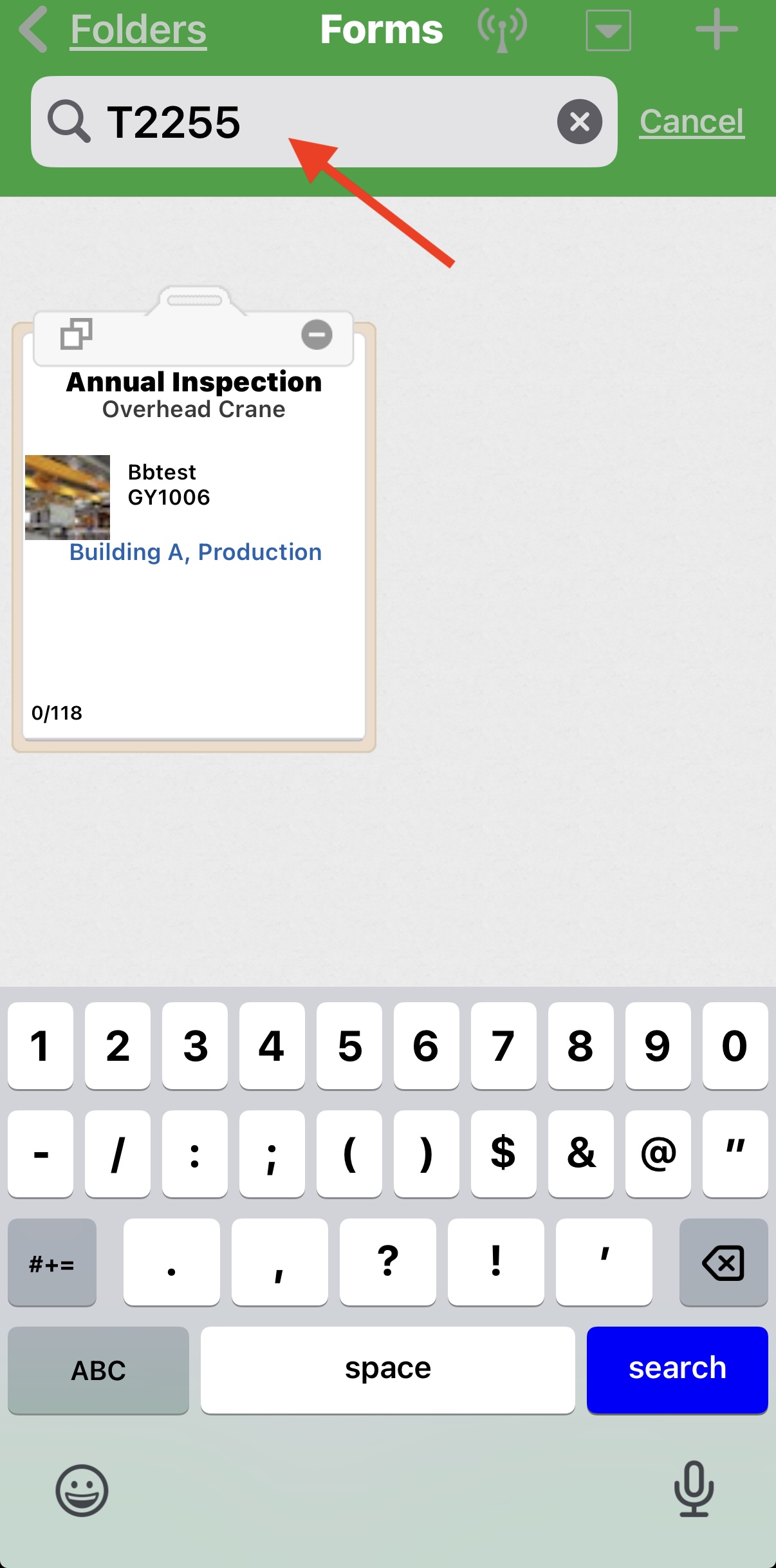
The app will filter out all assets where the text you type is included in an attribute field.