.png)
Push Notifications
The Push Notifications feature is currently in testing on both iOS and on most Android mobile devices. If you'd like to have the feature turned on for your account to test it out, have an Administrative user on your InspectAll account send an email to support@inspectall.com.
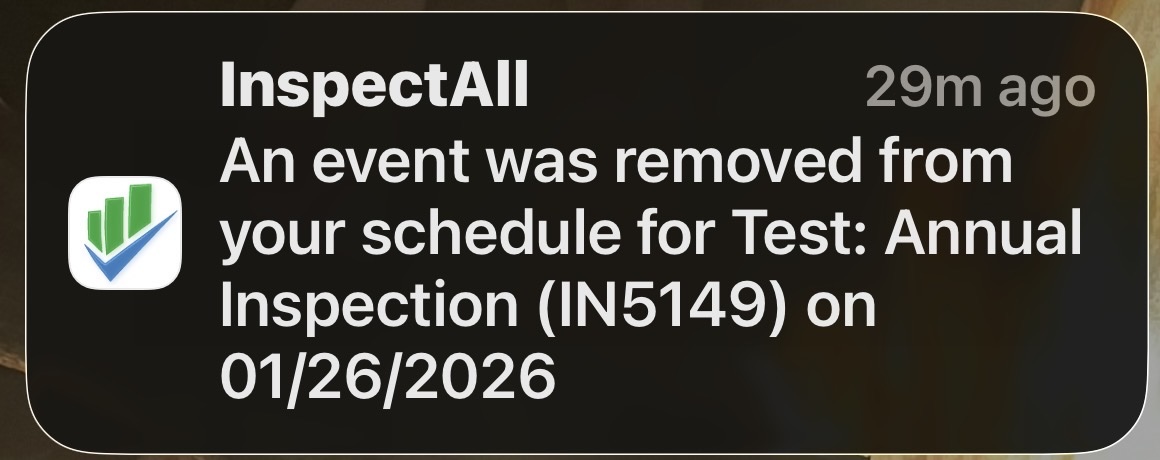
Details about the feature:
- When turned on for your account, it will send push notifications to your mobile users if something on their schedule is changed.
- The feature can be enabled or disabled for the entire account. When enabled, all mobile users will receive notifications specific to their own schedule.
- Notifications are only sent for schedule changes within the next 7 days by default. If you want to extend that notification range, please let us know when sending the request to have the feature enabled.
- Notifications are sent for date or time updates to an existing folder schedule, the addition of a new folder to the user's schedule, or if a folder is removed from the user's schedule.
- To prevent an overload of notifications at once, they are sent in batches every five minutes, and multiple schedule changes to the same folder are sent as a single notification.
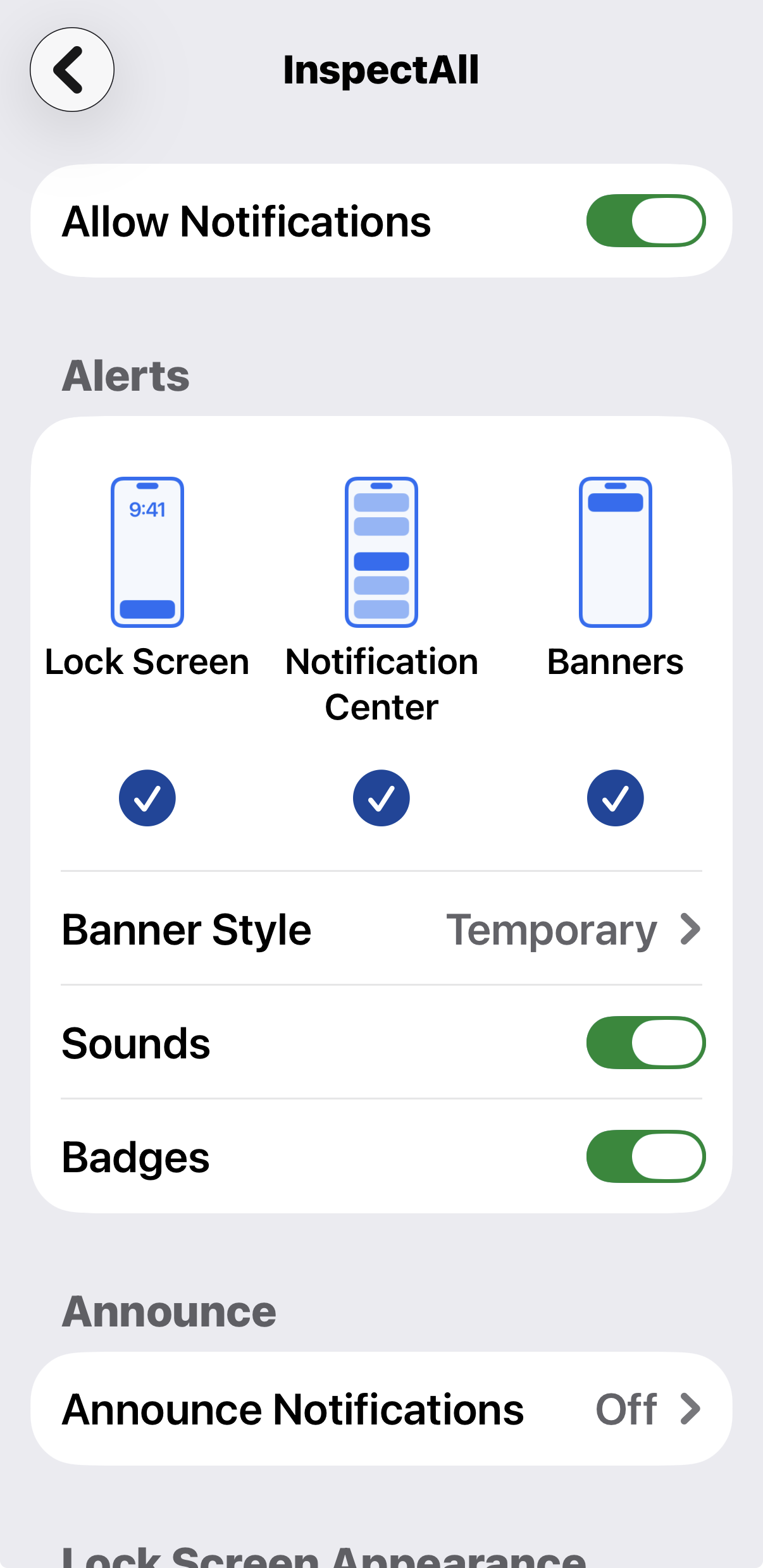
- Mobile users will have the option to turn off notifications in their device settings.
Enable the Feature
- Go to your device settings and search "InspectAll".
- Enable or disable the "Allow Notifications" setting.