.png)
Export Data
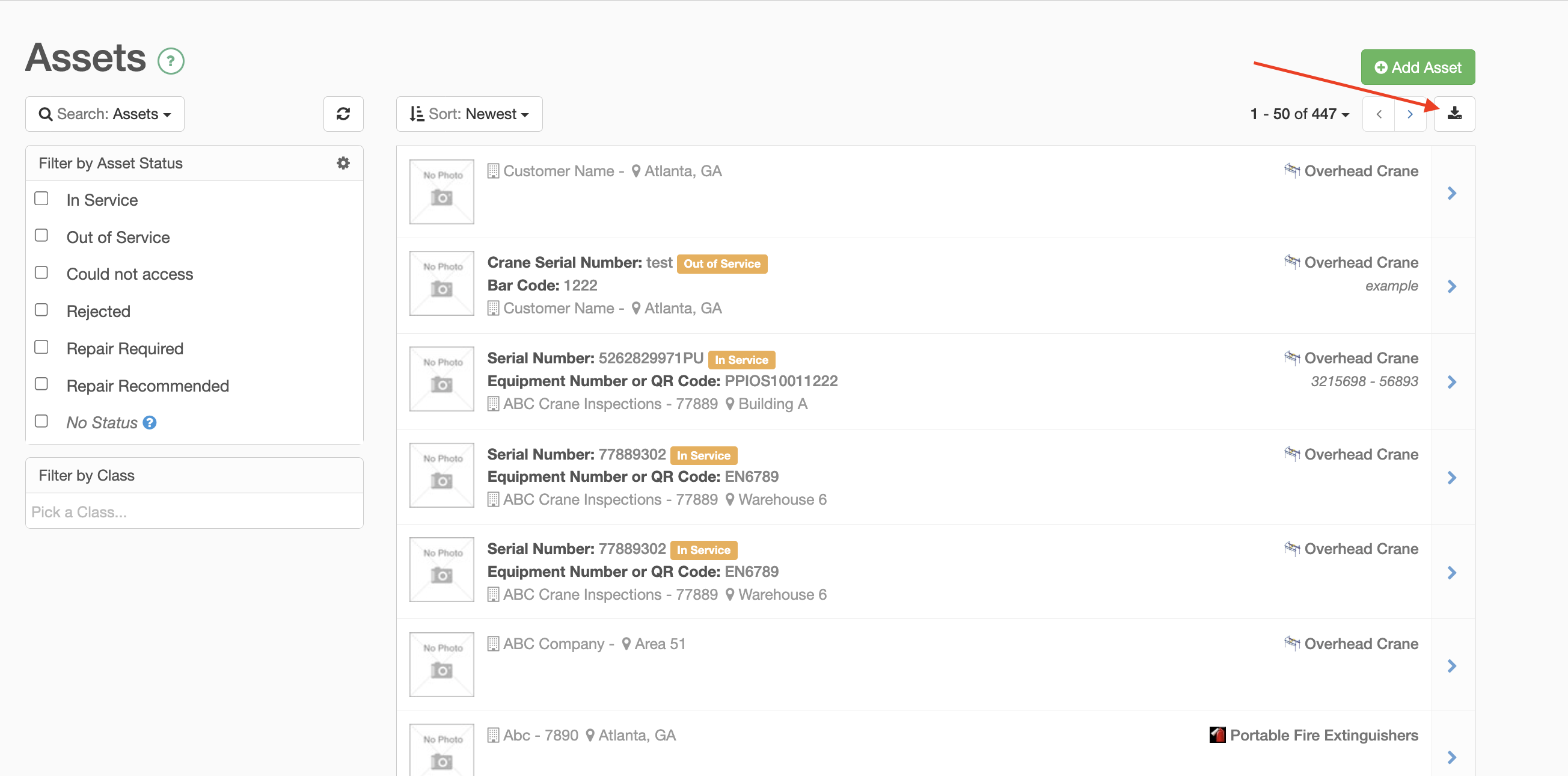
You are able to export your data (Accounts, Assets, and Folders) from the InspectAll website.
Click on the tab you want to export, then click on the "Download" icon at the top right.
Alternatively, you can utilize the Insights Tab of the website to export completed form details, priorities reports and other data based on selected parameters. Read more information HERE.